 Deutsch
  English
Leveraging the power of Visio®-based easy functionalities & object-oriented database technology for creating smart & quick P&ID’s
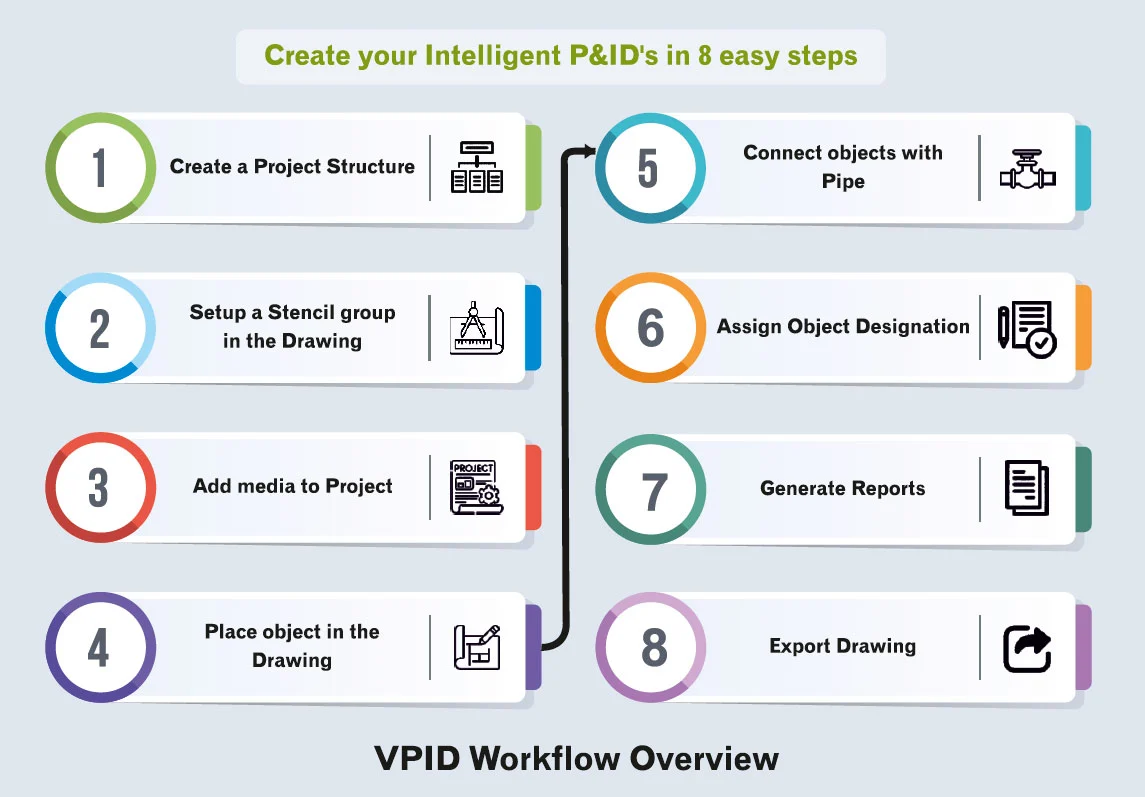
Visio P&ID Process Designer is a solution that extends Microsoft Visio® with object-oriented database technology for creating intelligent Piping & Instrumentation Diagrams (P&IDs) and Process Flow Diagrams (PFDs).
The solution converts conventional drawings into structured, data-driven engineering documents by integrating intelligent symbols, specification-driven pipelines, automated tagging, revision management, and report generation within the familiar Visio environment.
It improves engineering accuracy, ensures standardization, and increases productivity across the entire lifecycle of plant and process design projects.

Key Features of Visio® P&ID Process Designer

Industry Standard P&ID Symbols / Libraries
Create your own Symbols/Libraries
Cross References
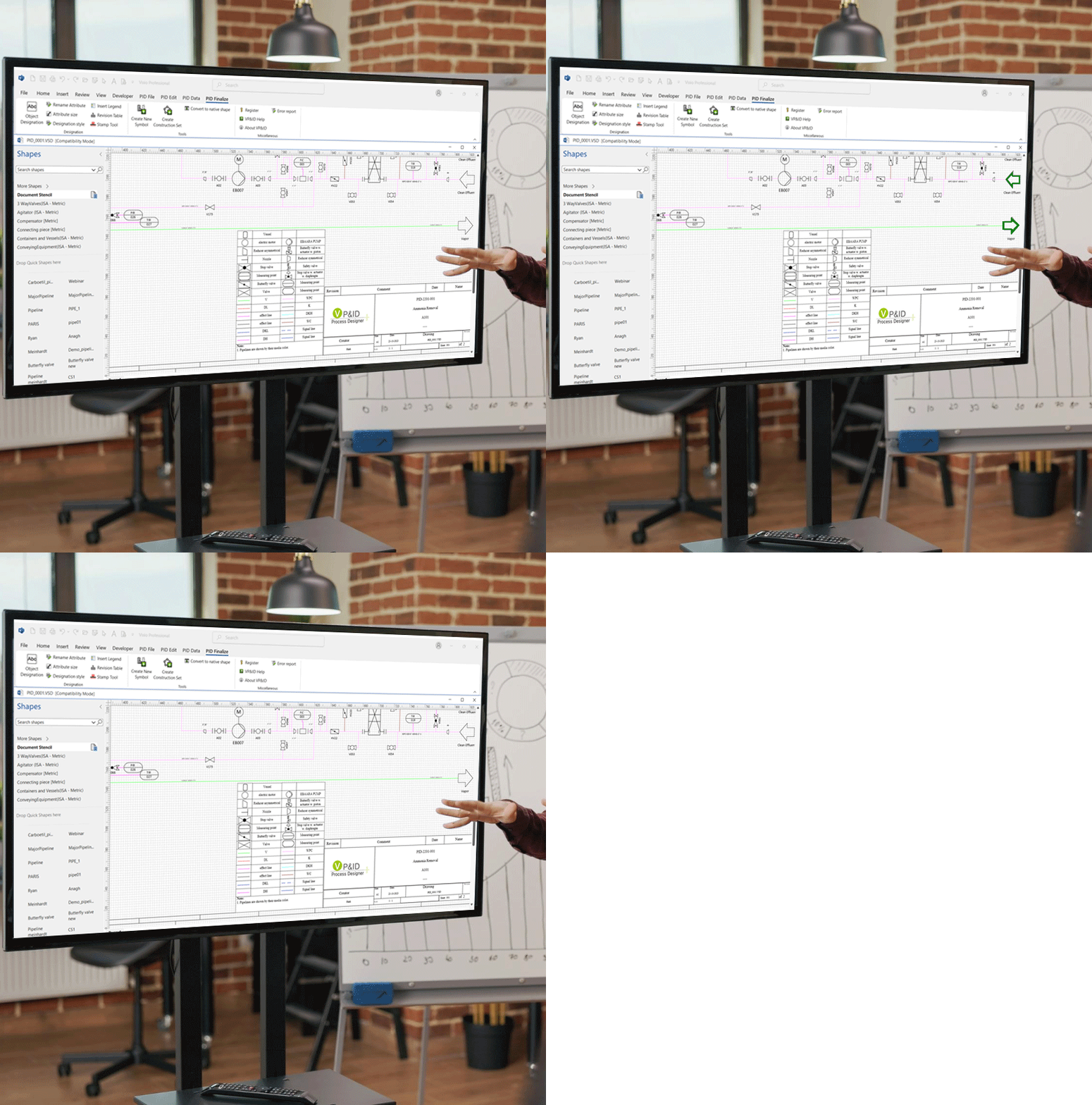
Cross reference in a Drawing enables users to continue process diagram of single systems across multiple drawings. Cross references added in Visio® P&ID Process Designer not only provide the information (to & from) of continuity in both drawings, but it also enable the user to traverse between these drawings intuitively with minimum number of clicks.
Intuitive Creation of PFD & P&IDs
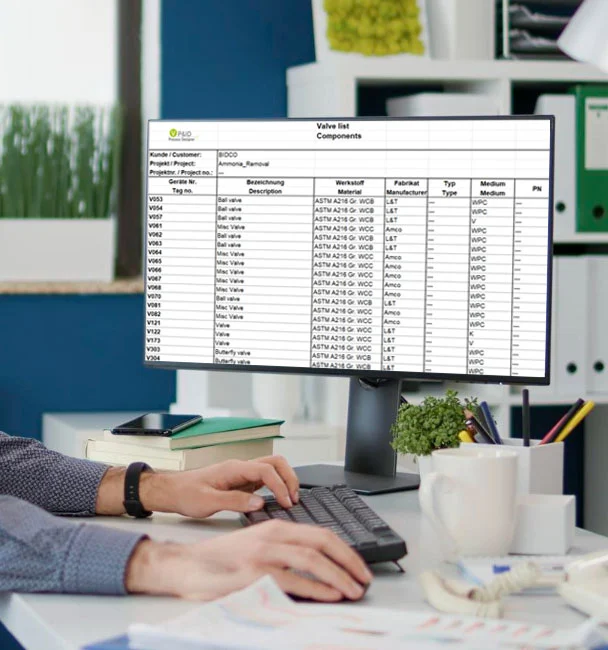
Export Feature to Excel format & DWG format
Accurate Reports Generation
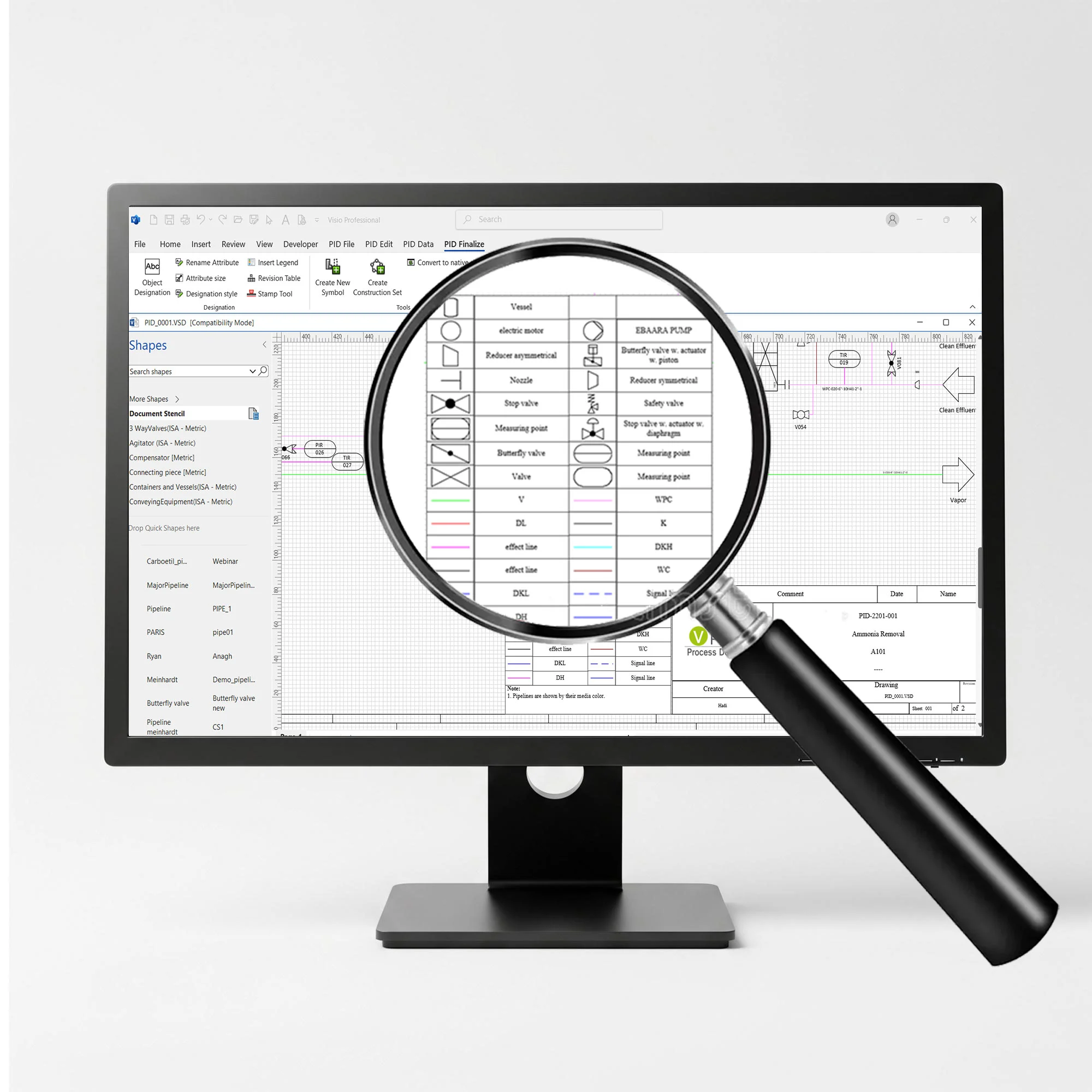
Automatic functions for enhanced productivity
AutoSnap and AutoLegend Functionality
AutoSnap feature allows user to align the object and place connection points on grid line similar to AutoCAD functionality. The AutoLegend command automatically creates legends in a drawing. The ‘Copy &Paste’ feature allows users to reuse the objects/ sub- systems created earlier.
AutoTagging
Rapid and easy change between different standards and freely definable identification system / tagging such as DIN, KKS, etc. As you add objects to a drawing. Visio® P&ID Process Designer maintains the uniqueness of the object across all drawings in the project.
Quality Checking Tools to Track Errors
- Built-in ‘Logic Analyzer’ feature with pre-defined check routines and ability to add own rules
- Quick navigation throughout the project or drawing or objects
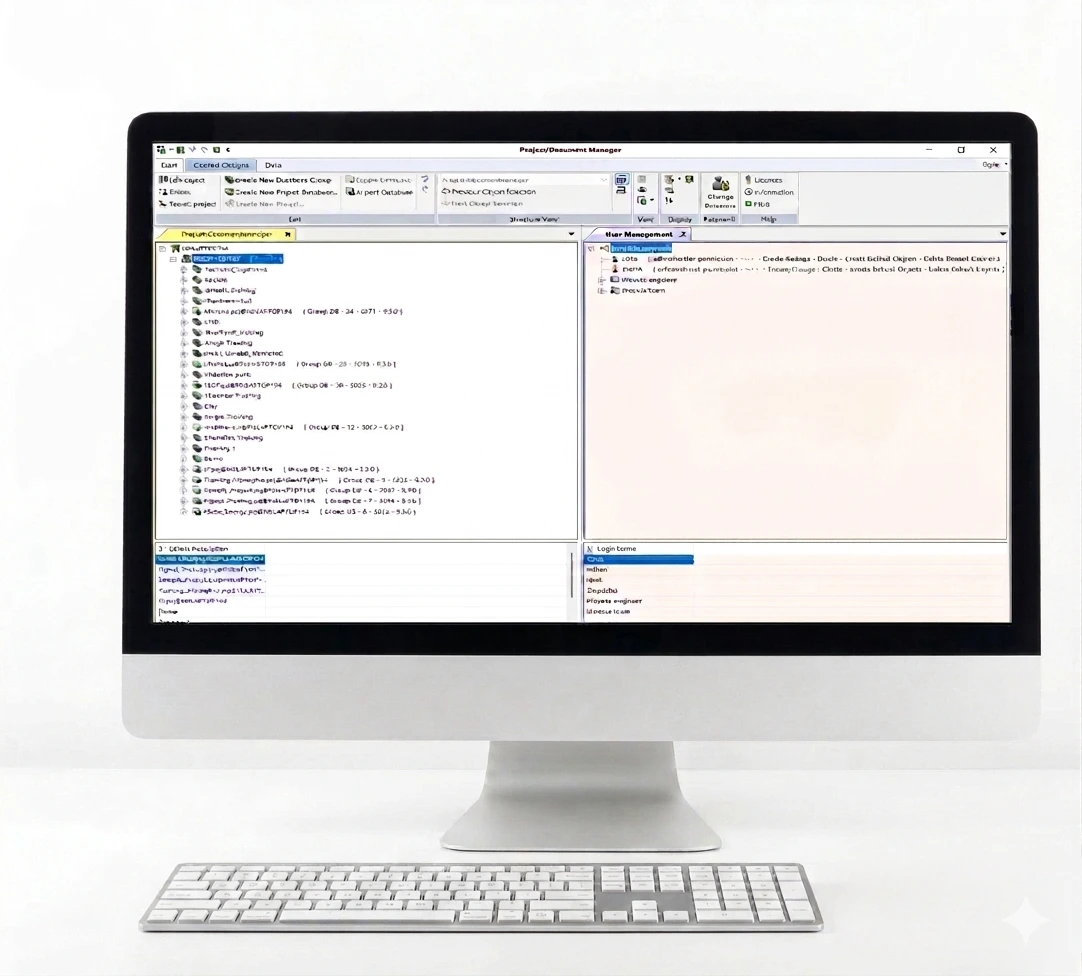
Robust Document & Revision Management